

About Course
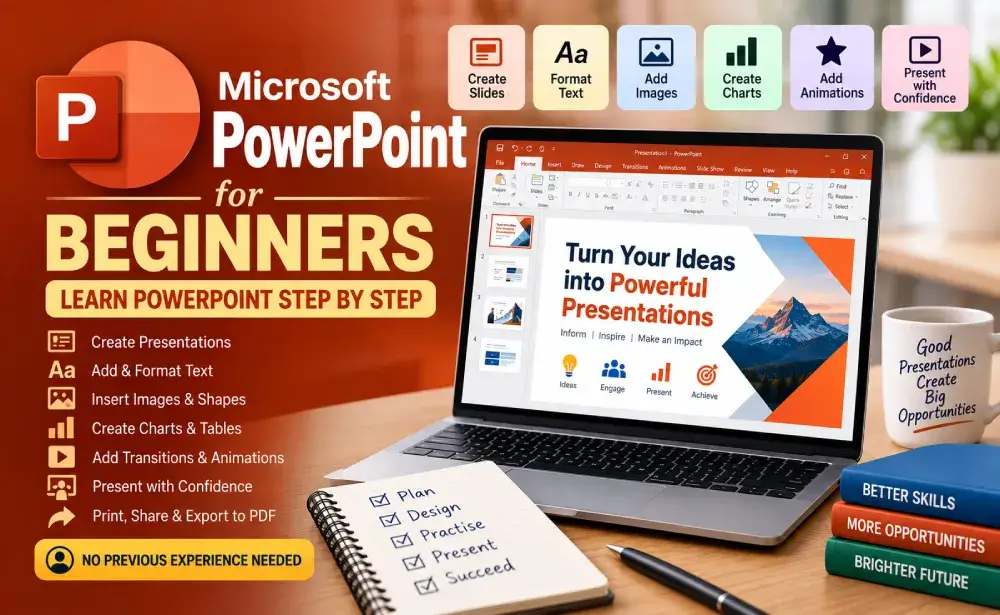
Learn Microsoft PowerPoint from scratch with simple, step-by-step lessons designed for complete beginners. Learn how to create presentations, add and format text, organise slides, use themes and layouts, insert images and shapes, create tables and charts, add transitions and animations, and prepare presentations for sharing and delivery.
Through practical examples and hands-on activities, you will learn how to create personal, educational, and business presentations and confidently present your ideas using PowerPoint.
No previous Microsoft PowerPoint experience is required.
Course Content
MODULE 1 — GETTING STARTED WITH MICROSOFT POWERPOINT
-
Lesson 1 — What Is Microsoft PowerPoint?
-
Lesson 2 — Understanding the PowerPoint Interface
-
Lesson 3 — Creating, Opening, and Saving Presentations
-
Lesson 4 — Creating and Managing Slides
-
MODULE 1 REVIEW
-
MODULE 1 QUIZ
MODULE 2 — ADDING AND FORMATTING CONTENT
MODULE 3 — IMAGES, SHAPES, AND VISUAL ELEMENTS
MODULE 4 — CREATING BETTER PRESENTATIONS
MODULE 5 — PRESENTING AND SHARING
MODULE 6 — REAL-WORLD POWERPOINT PROJECTS
FINAL ASSESSMENT
FINAL PROJECT
COURSE COMPLETION
Student Ratings & Reviews

No Review Yet