

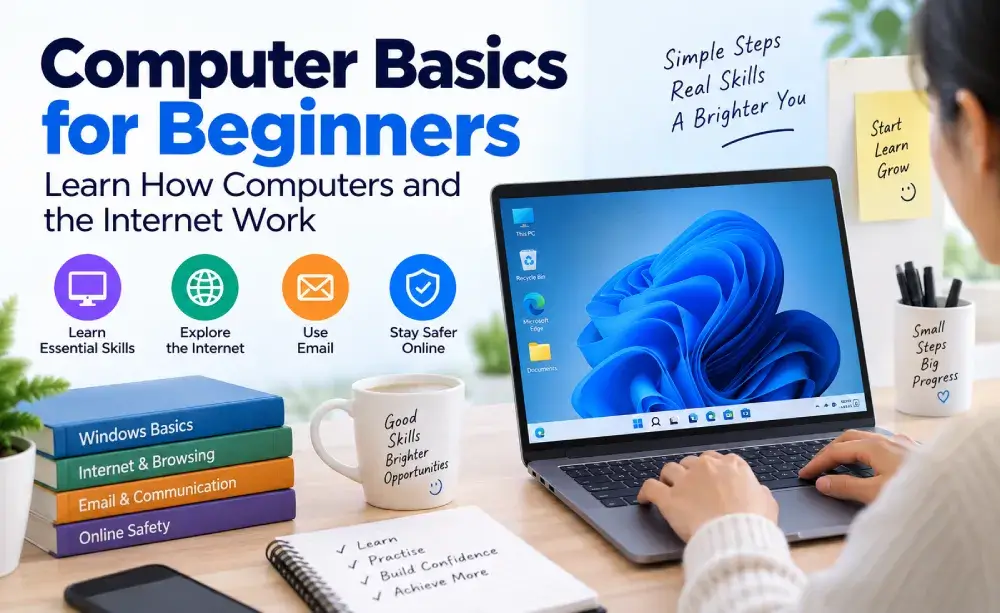
Computer Basics for Beginners – Learn How Computers and the Internet Work

Categories: Everyday Technology
Wishlist Share

About Course

Start your computer journey from zero with this simple, beginner-friendly course.

Learn how computers work, understand the main parts of a computer, use a keyboard and mouse, navigate Windows, manage files and folders, browse the internet, search Google, use email, send attachments, and stay safer online.

You will also practise useful everyday skills such as copy and paste, screenshots, keyboard shortcuts, downloading and uploading files, using USB devices, printing documents, and basic troubleshooting.

No previous computer experience is required. The course uses simple explanations and practical activities so you can learn one skill at a time and build confidence through practice.

What Will You Learn?

  • Understand what a computer is and how it is used.
  • Identify the main parts of a computer.
  • Use a keyboard and mouse confidently.
  • Start, restart, and shut down a computer correctly.
  • Understand Windows and the desktop.
  • Open, close, and switch between applications.
  • Create and organise files and folders.
  • Save, rename, copy, move, and delete files.
  • Find and manage downloaded files.
  • Understand the internet, websites, and web browsers.
  • Search for information effectively using Google.
  • Understand website addresses and URLs.
  • Download and upload files.
  • Understand how email works.
  • Write and send emails.
  • Send files as email attachments.
  • Understand Reply, Forward, CC, and BCC.
  • Create stronger passwords and protect your accounts.
  • Recognise phishing, suspicious links, and common online scams.
  • Download files and software more safely.
  • Use public Wi-Fi more carefully.
  • Take screenshots.
  • Use useful keyboard shortcuts.
  • Print documents.
  • Connect and safely remove USB devices.
  • Troubleshoot common computer problems.
  • Complete a practical everyday computer task independently.

Course Content

MODULE 1 — GETTING TO KNOW YOUR COMPUTER

  • Lesson 1 — What Is a Computer?
  • Lesson 2 — Types of Computers
  • Lesson 3 — Understanding the Main Parts of a Computer
  • Lesson 4 — Keyboard and Mouse Basics
  • Lesson 5 — Turning a Computer On and Off

MODULE 2 — UNDERSTANDING YOUR SCREEN

MODULE 3 — FILES AND FOLDERS

MODULE 4 — USING THE INTERNET

MODULE 5 — EMAIL AND ONLINE COMMUNICATION

MODULE 6 — STAYING SAFE ONLINE

MODULE 7 — EVERYDAY COMPUTER SKILLS

MODULE 8 — PRACTICAL PROJECT & FINAL ASSESSMENT

Student Ratings & Reviews

No Review Yet
No Review Yet