

About Course
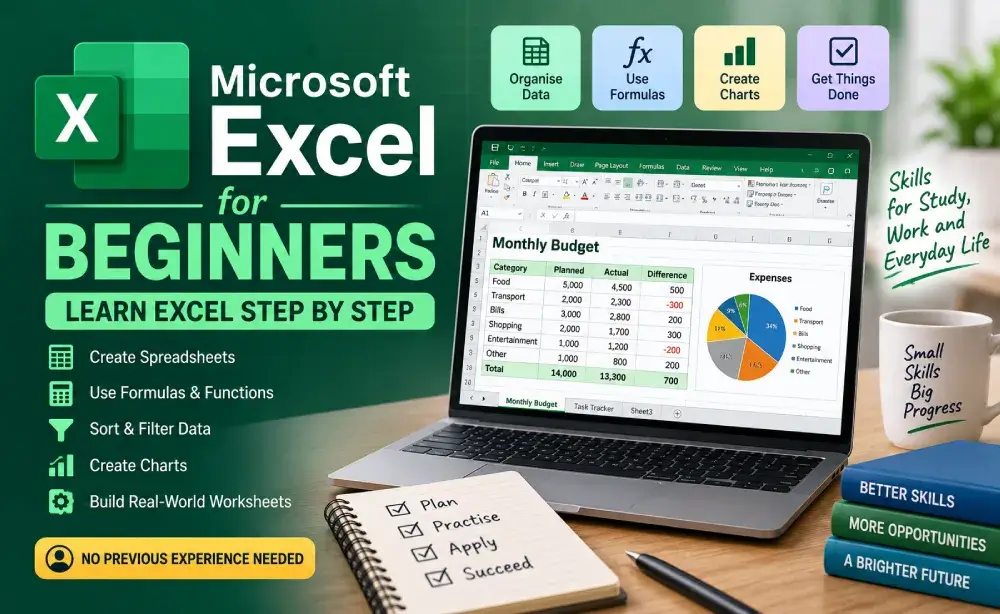
Learn Microsoft Excel from scratch with simple, step-by-step lessons designed for complete beginners. Learn how to create spreadsheets, enter and format information, use formulas and common functions, organise data, sort and filter lists, create tables and charts, and build practical worksheets.
Through hands-on examples and real-world activities, you will practise using Excel for budgets, task tracking, student records, sales, and other everyday tasks.
No previous Excel experience is required.
Course Content
Module 1 – Getting Started with Excel
-
Lesson 1: What Is Microsoft Excel?
-
Quick Check
-
Lesson 2: Understanding Workbooks and Worksheets
-
Quick Check
-
Lesson 3: Rows, Columns, Cells, and Ranges
-
Quick Check
-
Lesson 4: Entering and Editing Data
-
Quick Check
-
Module 1 Review
-
Module 1 Quiz
Module 2 – Formatting and Organising Your Spreadsheet
Module 3 – Excel Formulas and Functions
Module 4 – Working with Data
Module 5 – Cell References, Charts, and Useful Features
Module 6 – Real-World Excel Practice
Final Course Assessment
FINAL PROJECT
COURSE COMPLETION
Student Ratings & Reviews

No Review Yet