

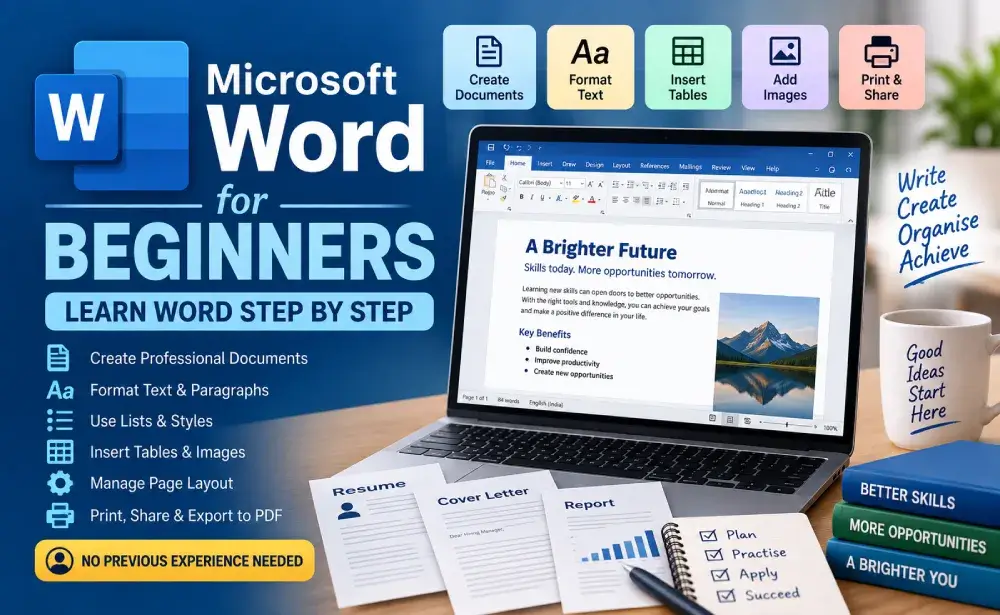
Microsoft Word for Beginners: Learn Word Step by Step

Categories: Everyday Technology
Wishlist Share

About Course

Learn Microsoft Word from scratch with simple, step-by-step lessons designed for complete beginners. Learn how to create, edit, format, and organise documents, use headings and styles, create lists and tables, insert images, add headers and footers, manage page layout, and prepare documents for printing and sharing.

Through practical examples and hands-on activities, you will learn how to create useful documents such as professional letters, resumes, and short reports.

No previous Microsoft Word experience is required.

What Will You Learn?

  • Understand the Microsoft Word interface and basic document concepts
  • Create, open, save, and organise Word documents
  • Enter, edit, select, copy, cut, and paste text
  • Format text using fonts, sizes, bold, italic, underline, and colour
  • Format paragraphs using alignment and spacing
  • Create bulleted and numbered lists
  • Use headings and built-in styles
  • Set margins, page orientation, and page breaks
  • Find and replace text
  • Check spelling and grammar
  • Create and format tables
  • Insert and appropriately format images
  • Add headers, footers, and page numbers
  • Prepare documents for printing
  • Export documents to PDF
  • Create professional letters, simple resumes, and short reports
  • Build and format a useful Word document independently

Course Content

Module 1 — Getting Started with Microsoft Word
Understand Word and become comfortable with the basic interface.

  • Lesson 1 — What Is Microsoft Word?
  • Lesson 2 — Understanding the Word Interface
  • Lesson 3 — Creating, Opening, and Saving Documents
  • Lesson 4 — Entering and Editing Text
  • Module 1 Review
  • Module 1 Quiz

Module 2 — Editing and Formatting Text
Learn how to make documents clear and readable.

Module 3 — Creating Well-Organised Documents
Move from simple typing to structured document creation.

Module 4 — Tables, Images, and Document Elements
Add structured information and visual elements.

Module 5 — Preparing Professional Documents
Learn how to turn basic content into a polished document.

Module 6 — Real-World Word Practice
Combine the skills learned throughout the course.

FINAL ASSESSMENT

FINAL PROJECT

COURSE COMPLETION

Student Ratings & Reviews

No Review Yet
No Review Yet